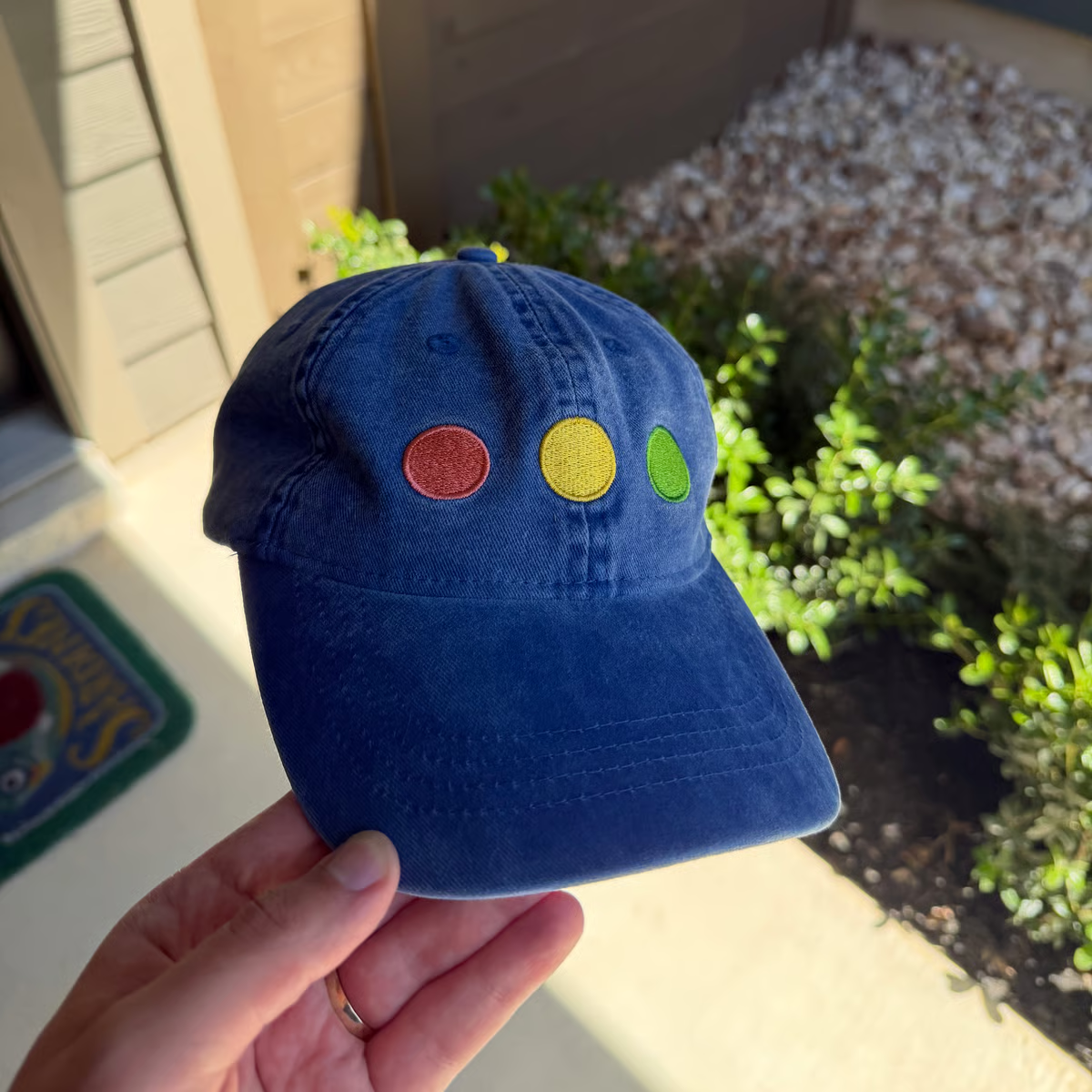
Stoplights
August 19, 2026
Twelve years ago, Mac OS X Yosemite stomped the aqua out of the stoplight buttons, leaving us with the flattened circles we see today. Until this week’s Golden Gate beta, of course!
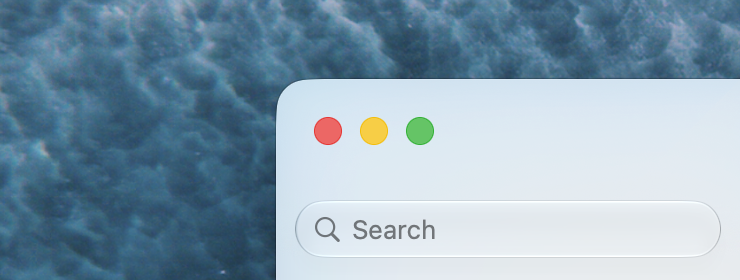

Aside from a small increase in size in macOS Tahoe, I believe this is the first change to the controls since 2014. They’re even more lively than they were in the aqua era — they have the same jello-like effect as controls on iOS when you interact with them.

I’m a huge fan, and I’ve been thrilled to see these refinements throughout the Golden Gate betas. Golden Gate is summing up to be the most gorgeous version of macOS in years.
And I suppose I’ll need to buy a new hat.